Feature update
Smarter lead tracking, better filters, and easier signups
See how every Lead Gen Search performs, find filters faster, and keep your account when your email changes.
Agents and builder repsFree
Stats for every Lead Gen Search
On Lead Gen, five icons under each search show how it’s doing:
- Filter: hover to see the search’s filters.
- Magnifying glass: views.
- Finger tap: home clicks.
- Heart: favorites.
- Person with a plus: new leads.
Client Searches show them too. Tip: make one search per niche, like first-time buyers, and see which brings in the most leads. How to use Lead Gen Searches


My SearchesNEW FOLDER
Click or tap and drag a search to a folder to organize your searches
Conroe buyers
First-time buyers
Personal Link
https://a.nhb.app/u/natalie-brooks
412268249
Move-in ready under $400K
14892116
Builder-paid closing costs in Conroe ISD
634153
One-story homes with a 3-car garage
271221
Agents and builder repsFree
Filters, grouped so you find them fast
Price, Beds, Baths and Build Status sit in the top bar.
Click More for everything else, grouped into Home, Location, Community and Builder.
Builder reps also get Show Cross Sell Only in the top bar, plus Agent Commission and Agent Bonus under Builder.
The Location group (cities, ZIP codes and counties) arrived in May 2026. See that update.
1,284 HOMES
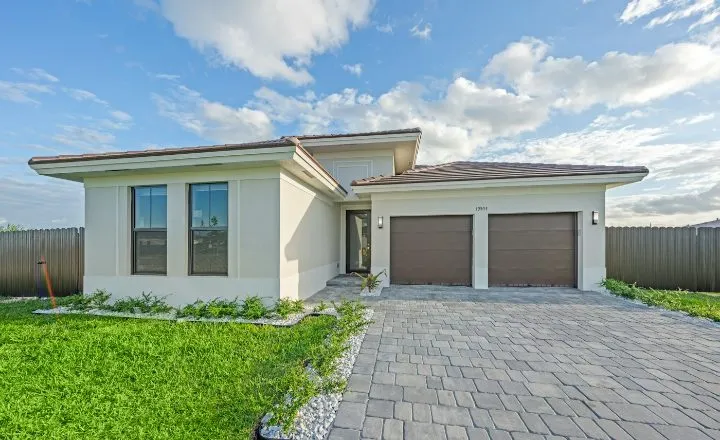 CYPRESSHOMES14 Juniper BendOak TerraceConroe, TX$587,400 Move In Ready4 bds · 3.5 ba · 2690 sqft
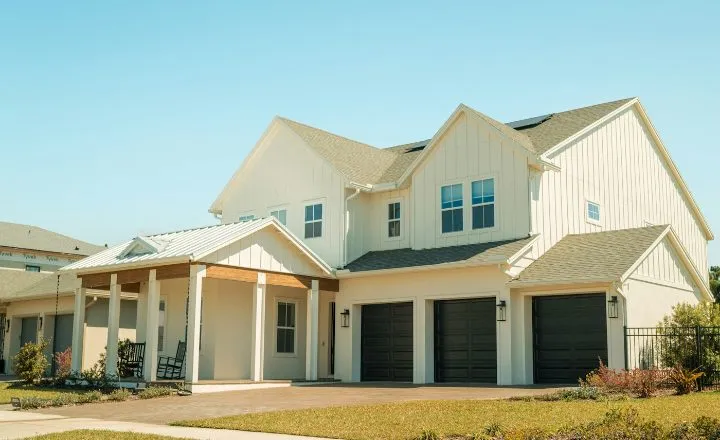 HARBOR OAKHOMESAsterStillwater RanchMontgomery, TXStarting from $449,9904 bds · 3 ba · 2480 sqft
Home
Location
Community
Builder
CLEAR FILTERSSEE 1,284 HOMES
Agents and builder reps
A simpler sign-up that keeps your account
New sign-ups answer two questions: are you a Real Estate Agent or a Builder Rep, and is this your first time creating an account?
Switching brokerages or builders? Answer No, log in to your existing account and update your details. You keep your clients, leads, Connections and Personal Link.
If that account was disabled, email support@newhomebuddy.com and we’ll move it for you.
Welcome to New Home Buddy
Sign up to discover how new homes get sold today.
Are you a...
Real Estate Agent
Builder Rep
First time creating an account?NoCLICK HERE to login to your existing account. Once you login you can change your account details. If your account has been disabled, please contact us at support@newhomebuddy.com to migrate your account.
CONTINUEALREADY HAVE AN ACCOUNT? LOG IN
Get started
See what’s new in your portal.
Free for agents, and free for reps whose builder is listed.
Builder rep? Open the Builder Portal