Feature updates

What’s new in the Agent Portal and Builder Portal, newest first, with the guides that go with each release.

2025

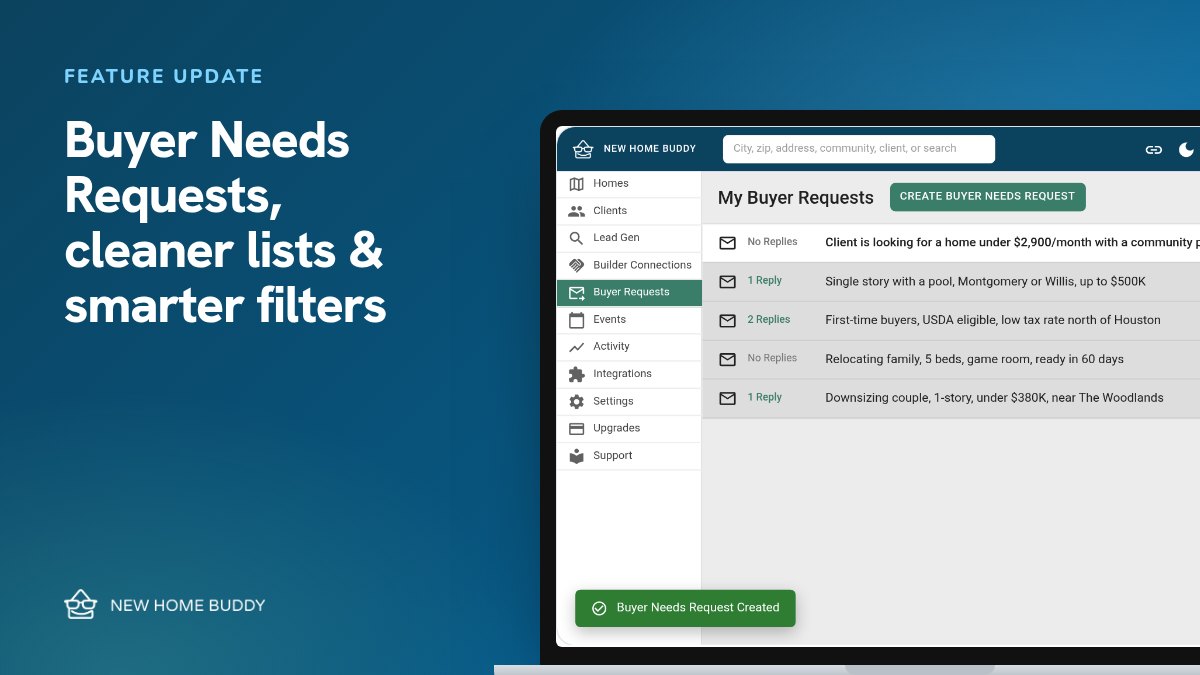
  1. Feature updateFeature updateBuyer Needs Requests are live, plus cleaner lists and smarter filtersSend buyer needs straight to builders, plus cleaner lists, simpler incentive filters, a multi-select Builder filter and better link previews.
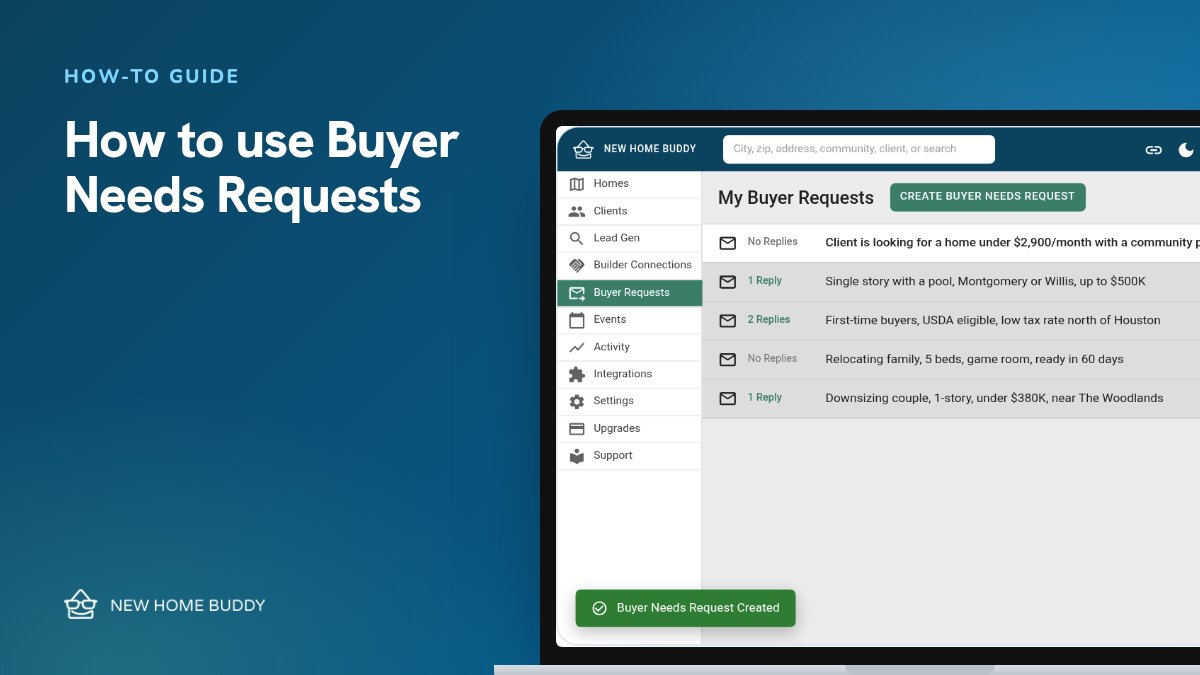
  2. How-to guideHow-to guideHow to use Buyer Needs RequestsSend your buyer’s wish list straight to the builders you choose, and get their matching homes back in one inbox.
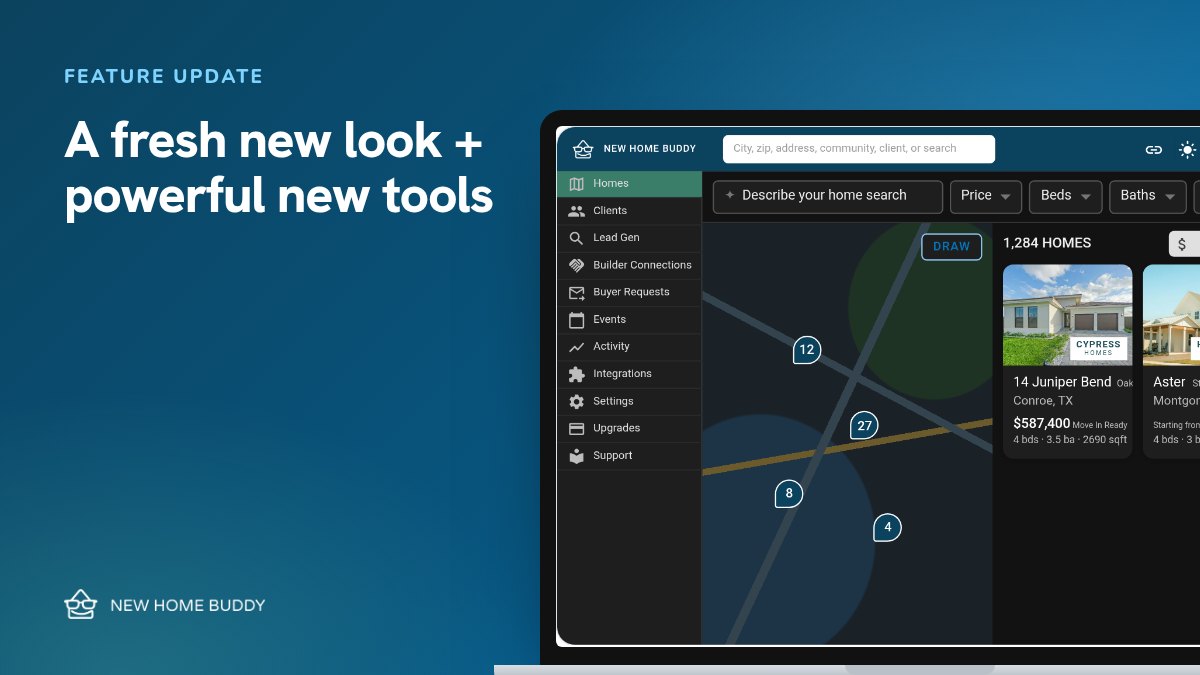
  3. Feature updateFeature updateA fresh new look, plus powerful new toolsA redesigned portal with Light and Dark Mode, a new Client Details page, QR codes for your Personal Link and clearer incentives.
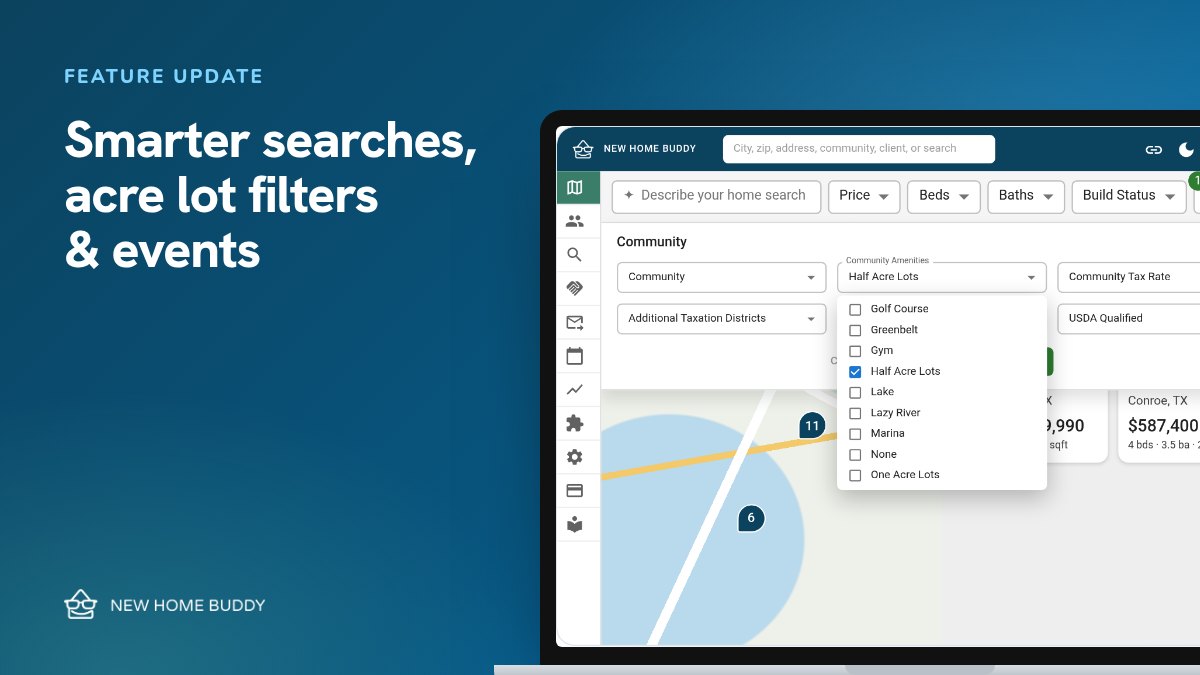
  4. Feature updateFeature updateSmarter searches, acre lot filters, and eventsNew clients get a Client Search automatically, plus Last Checked dates, half-acre and one-acre lot filters, and Events in every market.
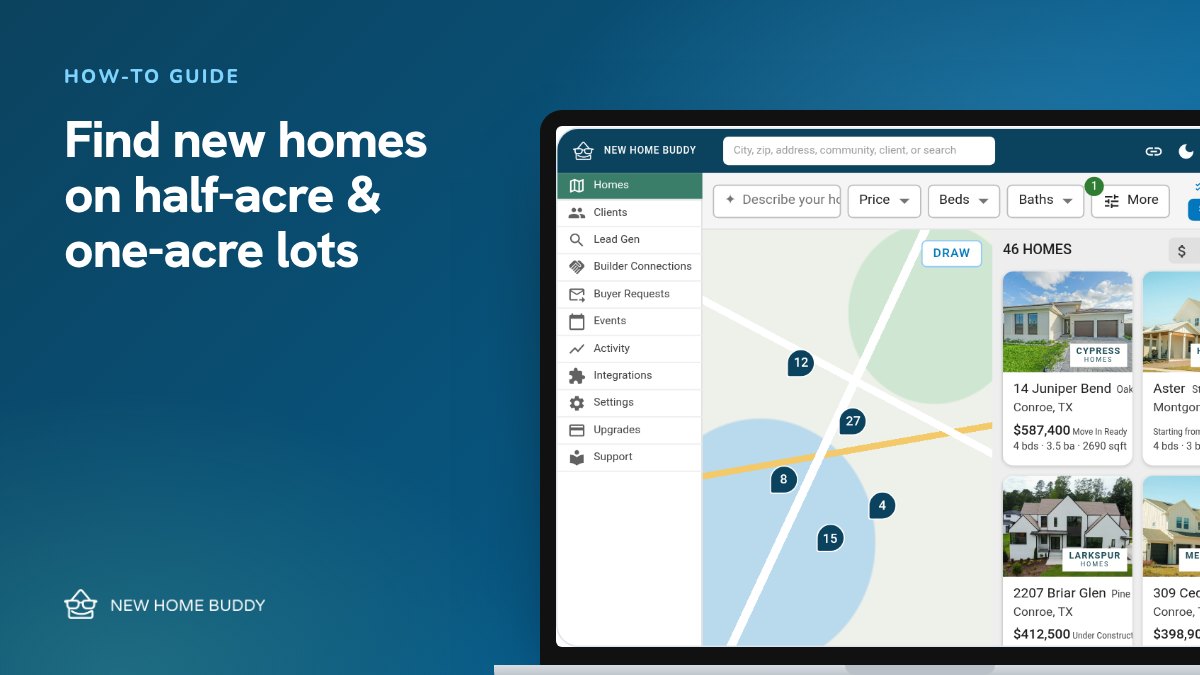
  5. How-to guideHow-to guideFind new construction homes on half-acre and one-acre lots in TexasUse the Half Acre Lots and One Acre Lots filters to find new homes on bigger lots.
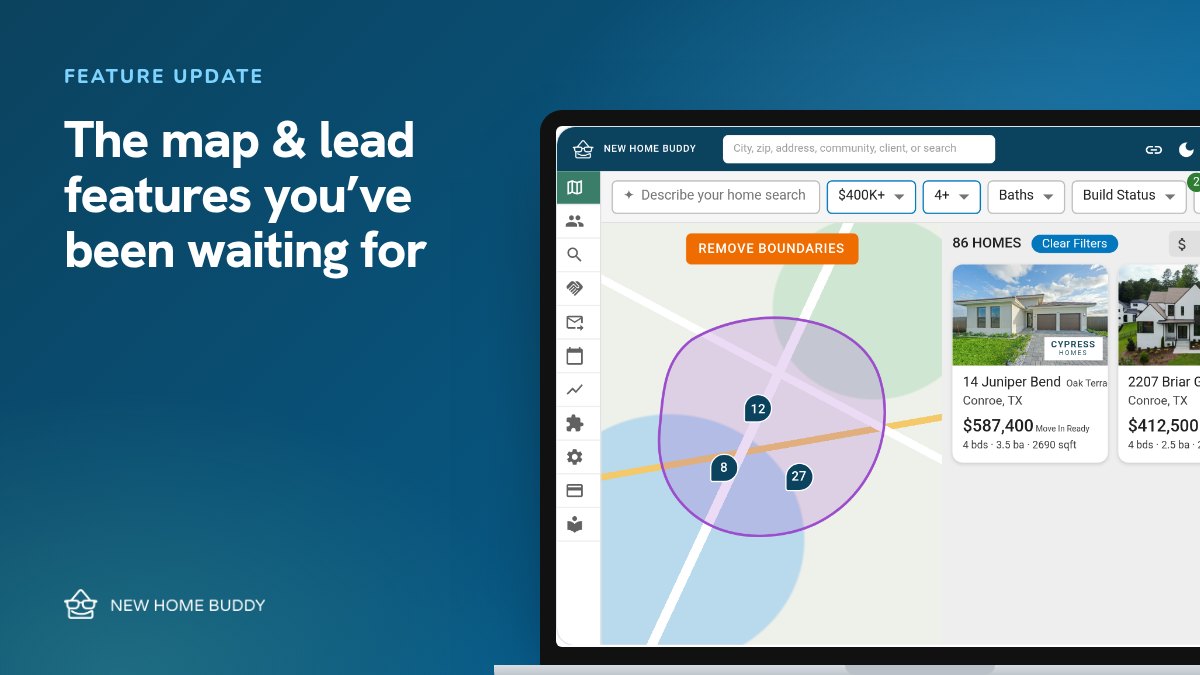
  6. Feature updateFeature updateThe map and lead features you’ve been waiting forClear Filters, a clearer Draw tool, clean shared searches, favorite alerts and See All Images.
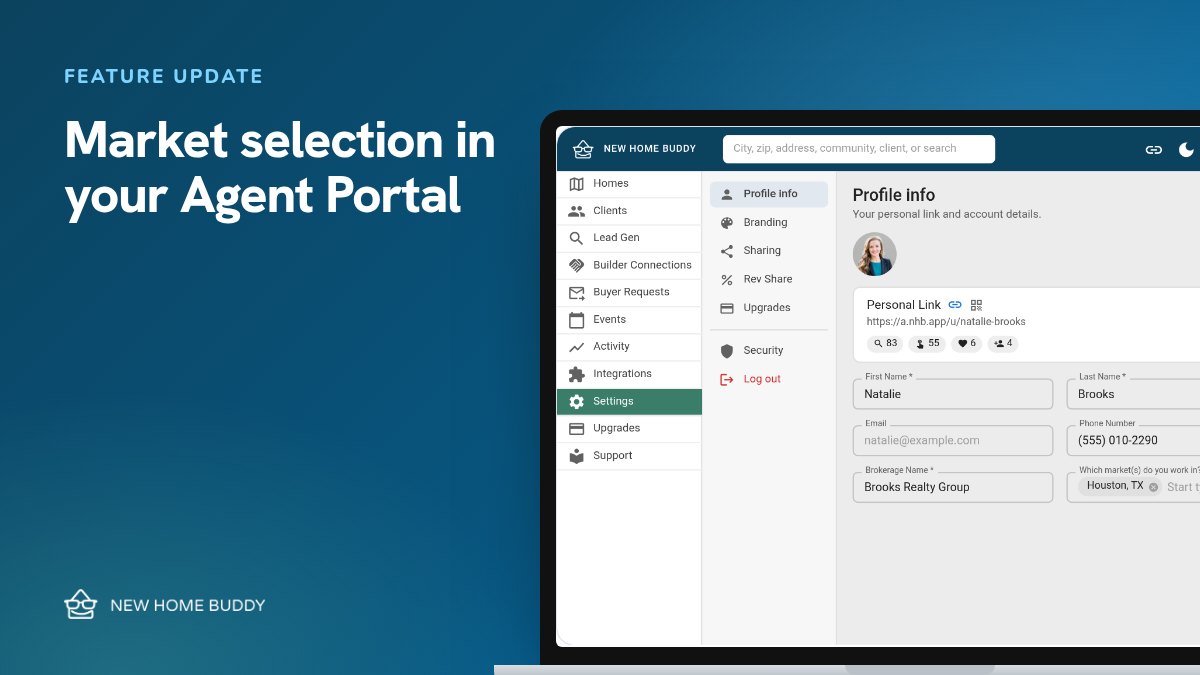
  7. Feature updateFeature updateMarket selection is live in your Agent PortalChoose your markets, and your map and Personal Link start there.
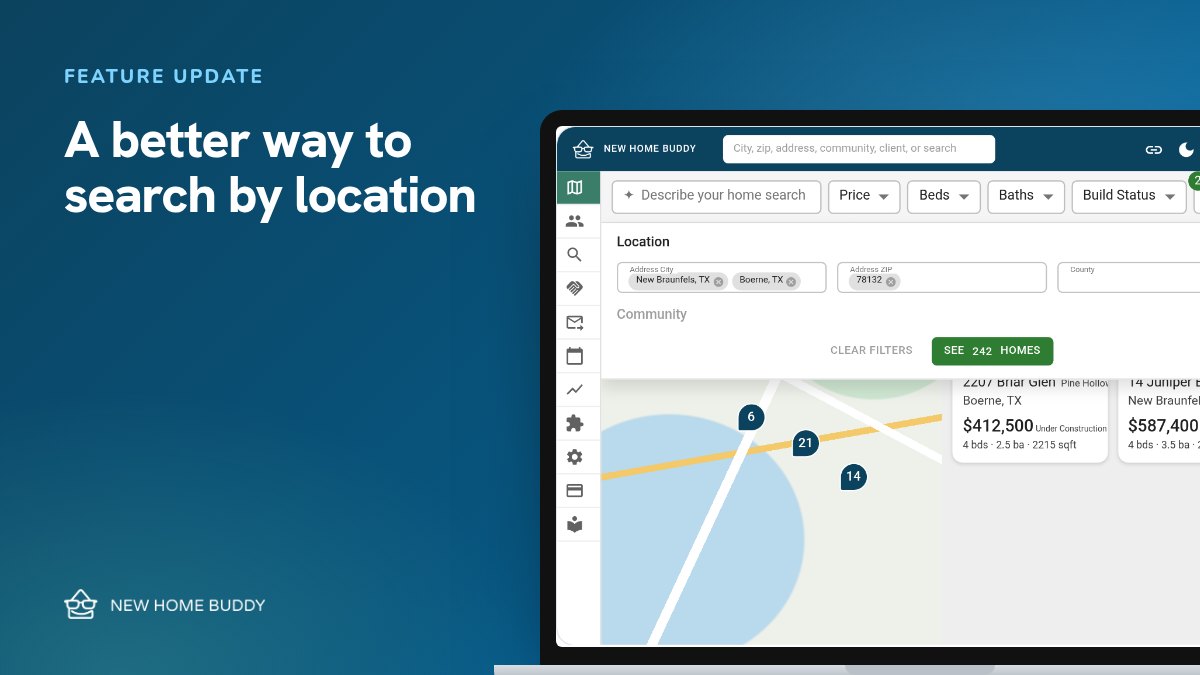
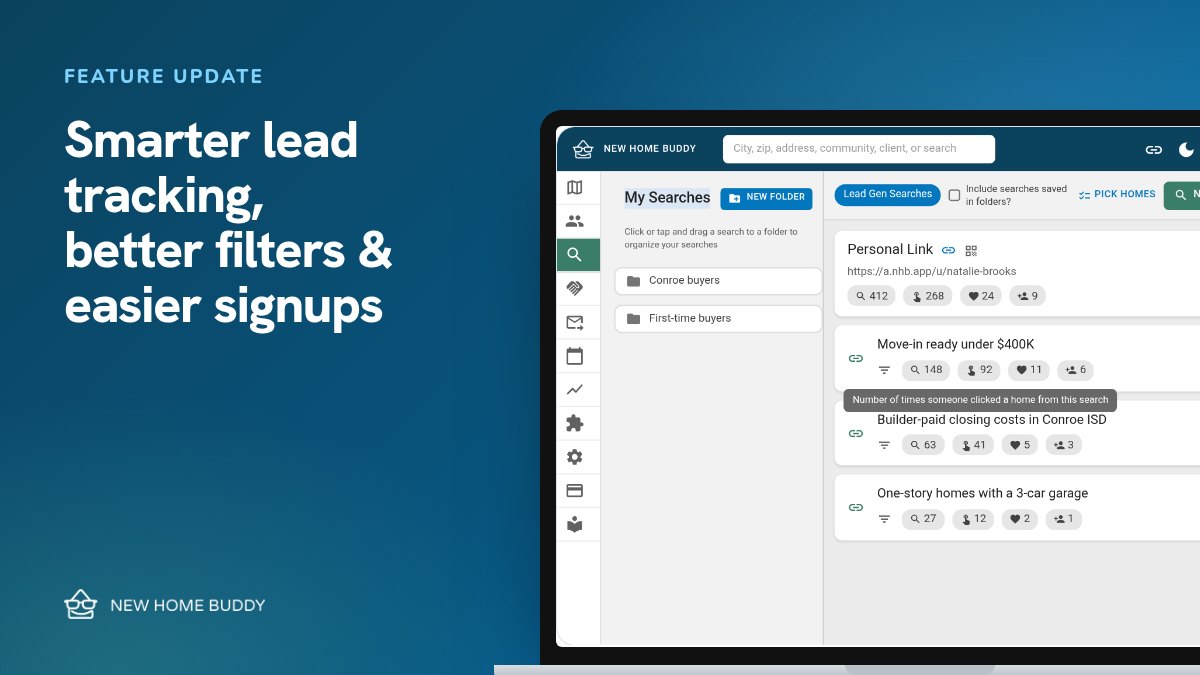
  8. Feature updateFeature updateSmarter lead tracking, better filters, and easier signupsSee views, clicks, favorites and leads for every Lead Gen Search, filters grouped under More, and a sign-up that keeps your account.
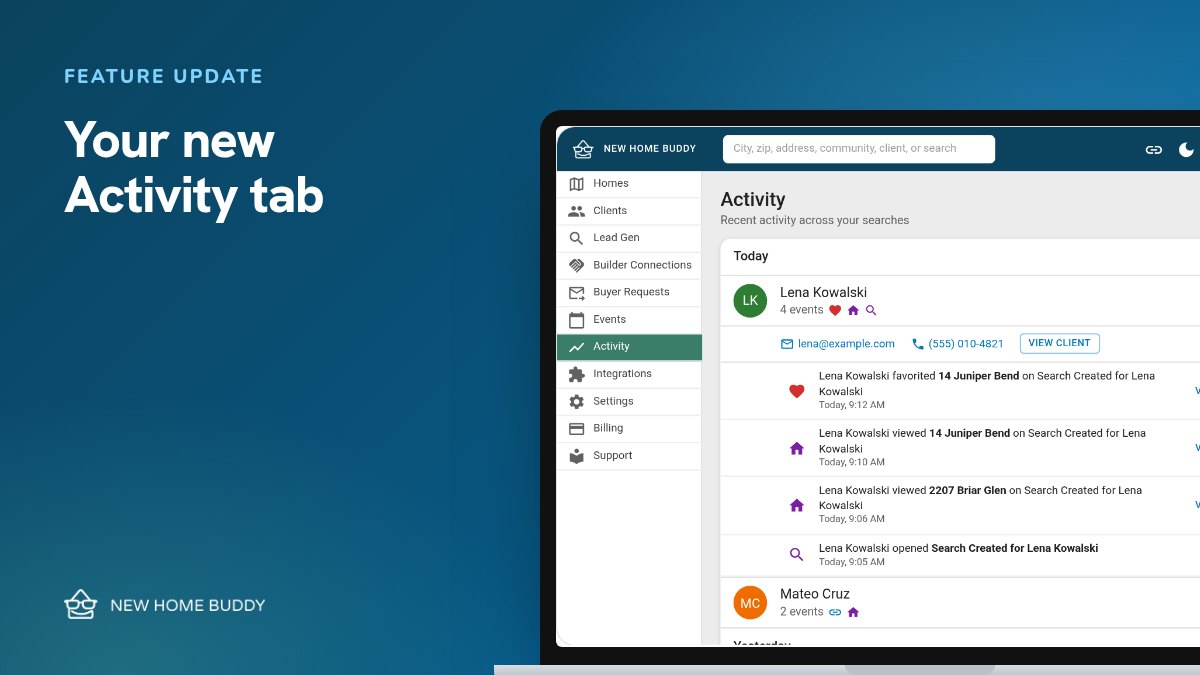
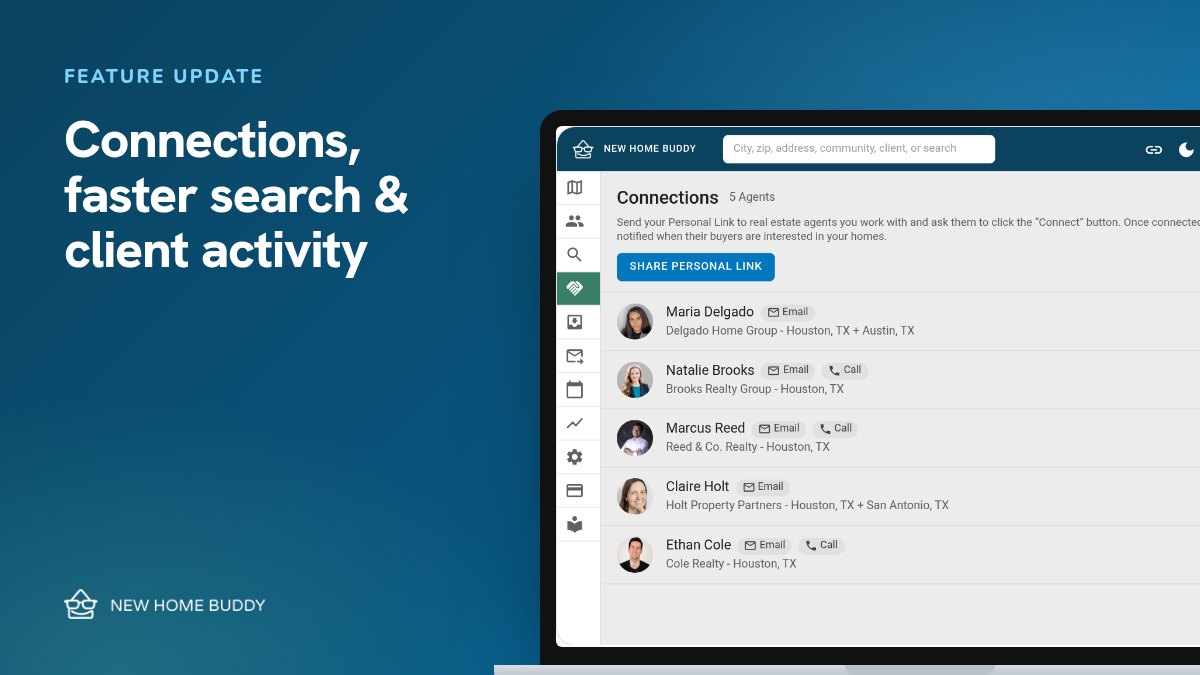
  9. Feature updateFeature updateConnections, a faster Create Search, and client activityBuilder Connections launch, Quick Notify, a 3-step Save Search, a client activity feed and clearer copy-link buttons.
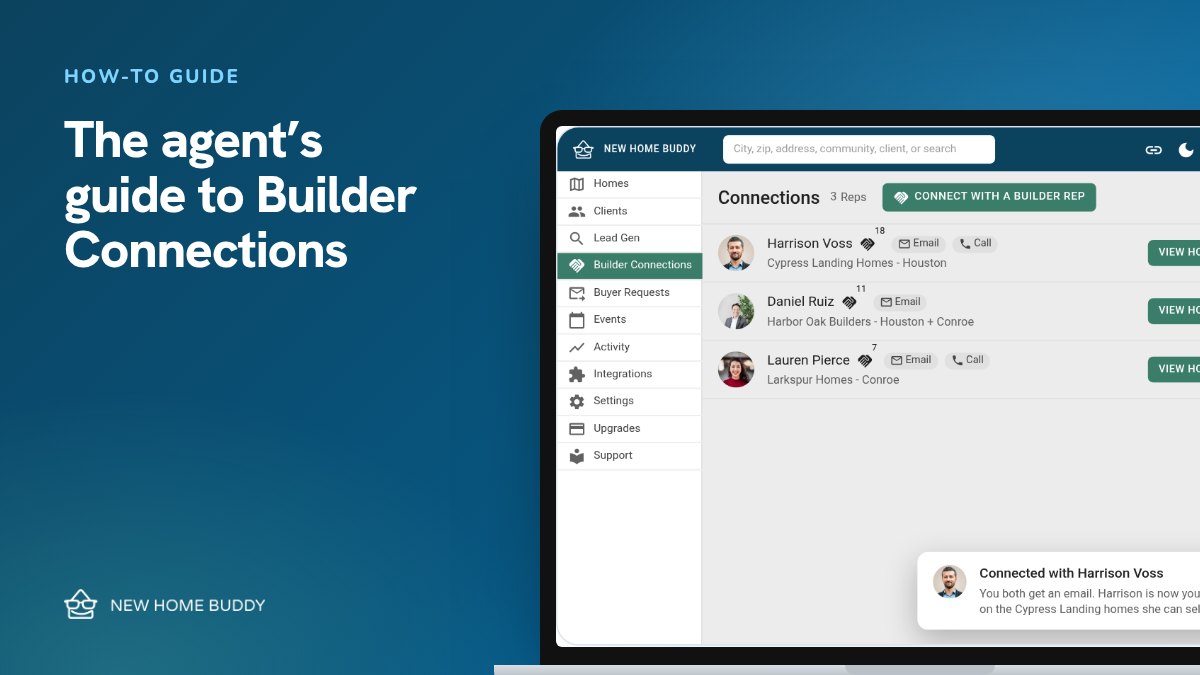
  10. How-to guideHow-to guideThe agent’s guide to Builder ConnectionsPick the builder reps you like working with. They become your contact on the homes they can sell, and your buyer still only ever sees you.
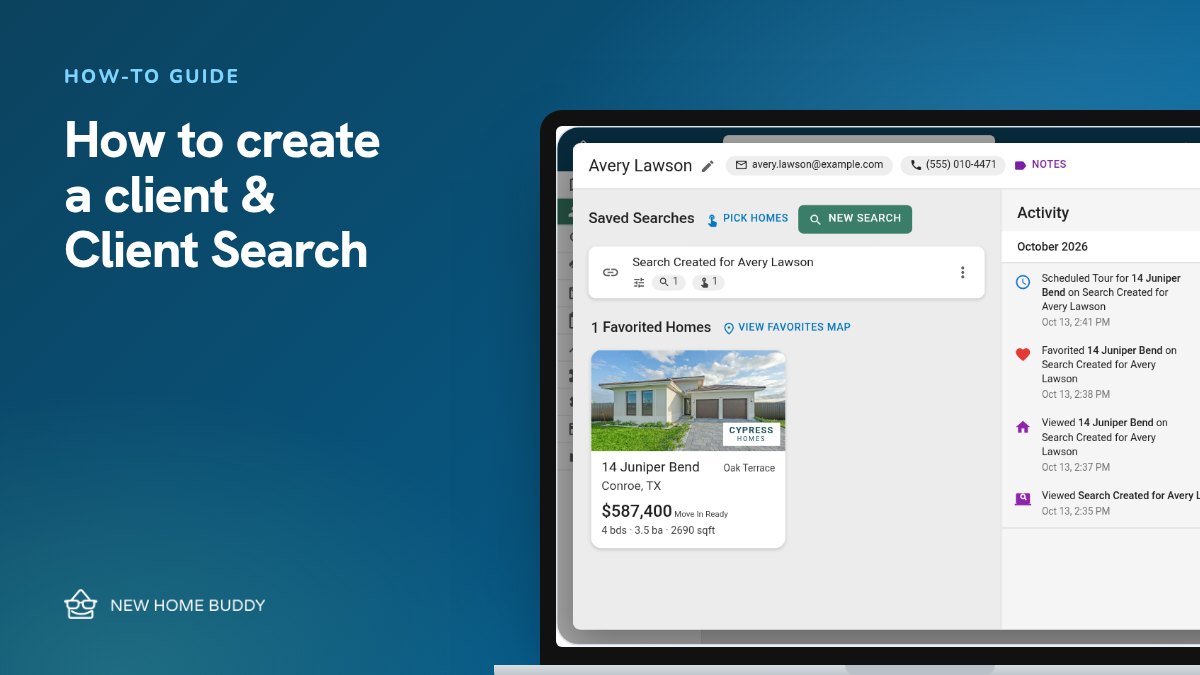
  11. How-to guideHow-to guideHow to create a client and Client SearchAdd a client and New Home Buddy builds their Client Search for you, branded to you, so you see what they view, favorite and tour.
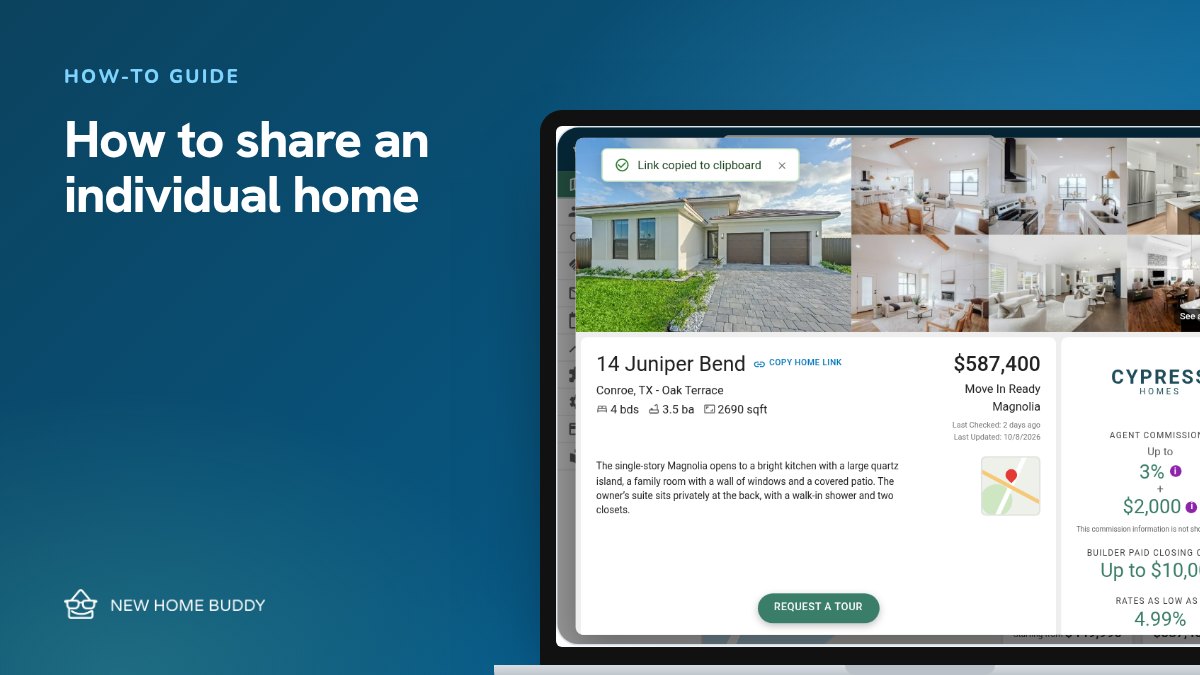
  12. How-to guideHow-to guideHow to share an individual homeSend one home with a link branded to you, and capture the lead if they sign up.
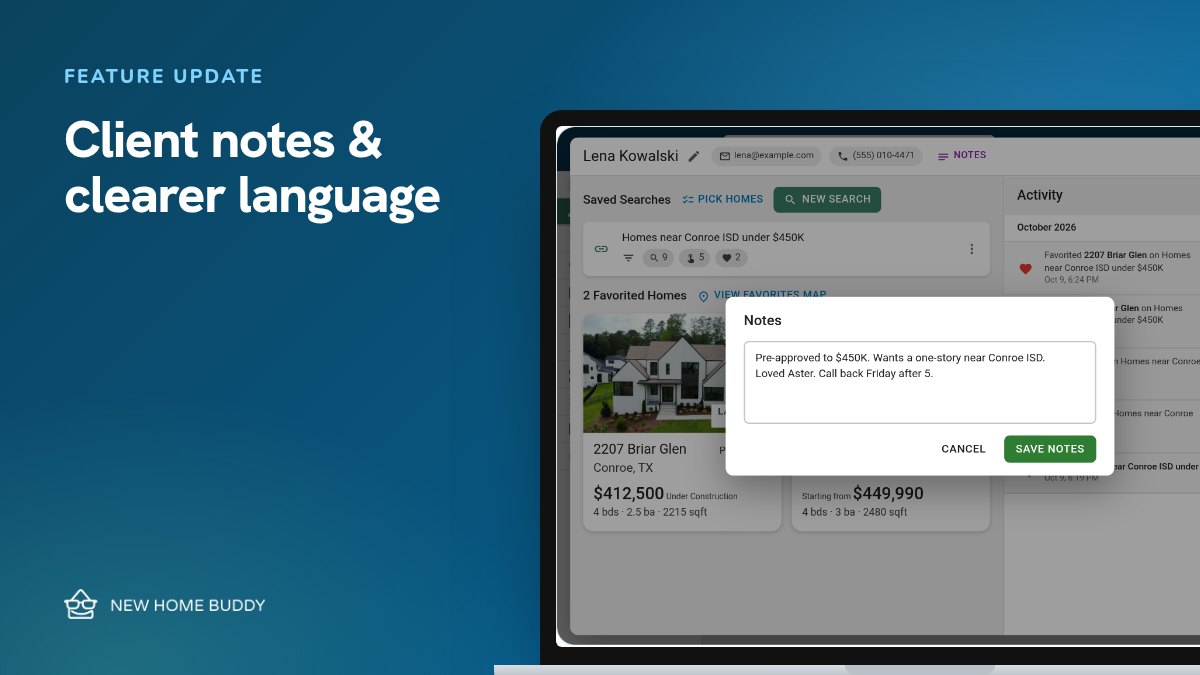
  13. Feature updateFeature updateClient notes and clearer language in your portalKeep private notes on every client, plus clearer names across the portal.
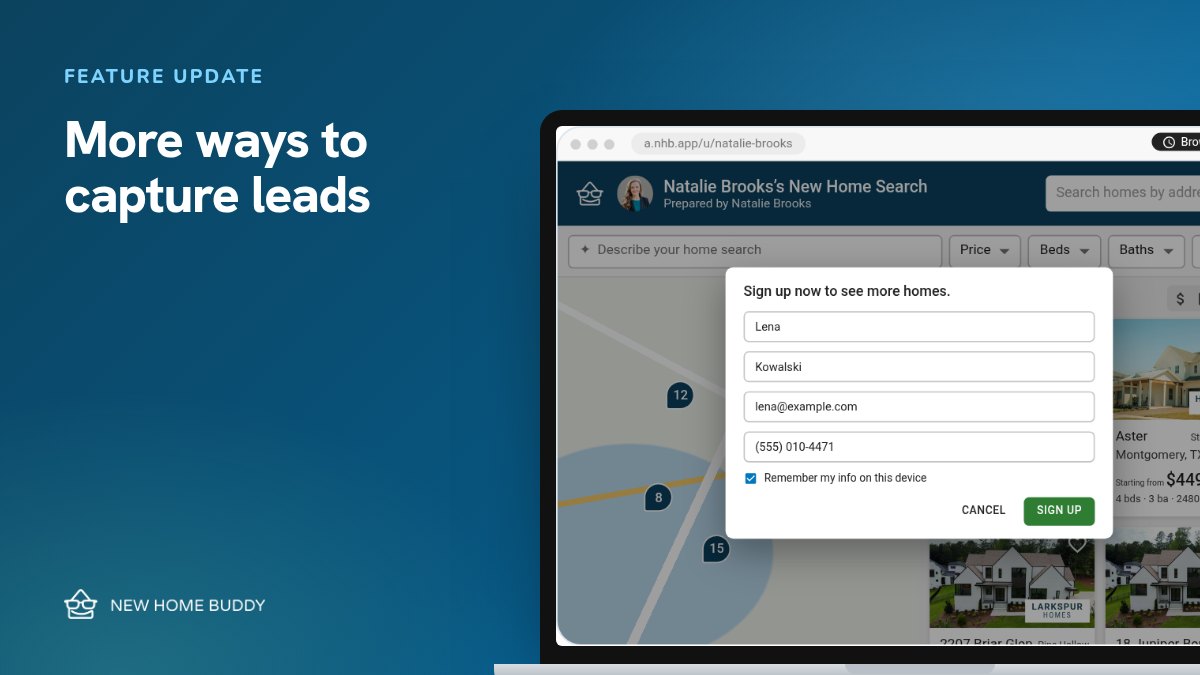
  14. Feature updateFeature updateEmpire Communities, and more ways to capture leadsEmpire Communities joins in San Antonio and Austin, plus sign-up prompts after 90 seconds and on favorites.
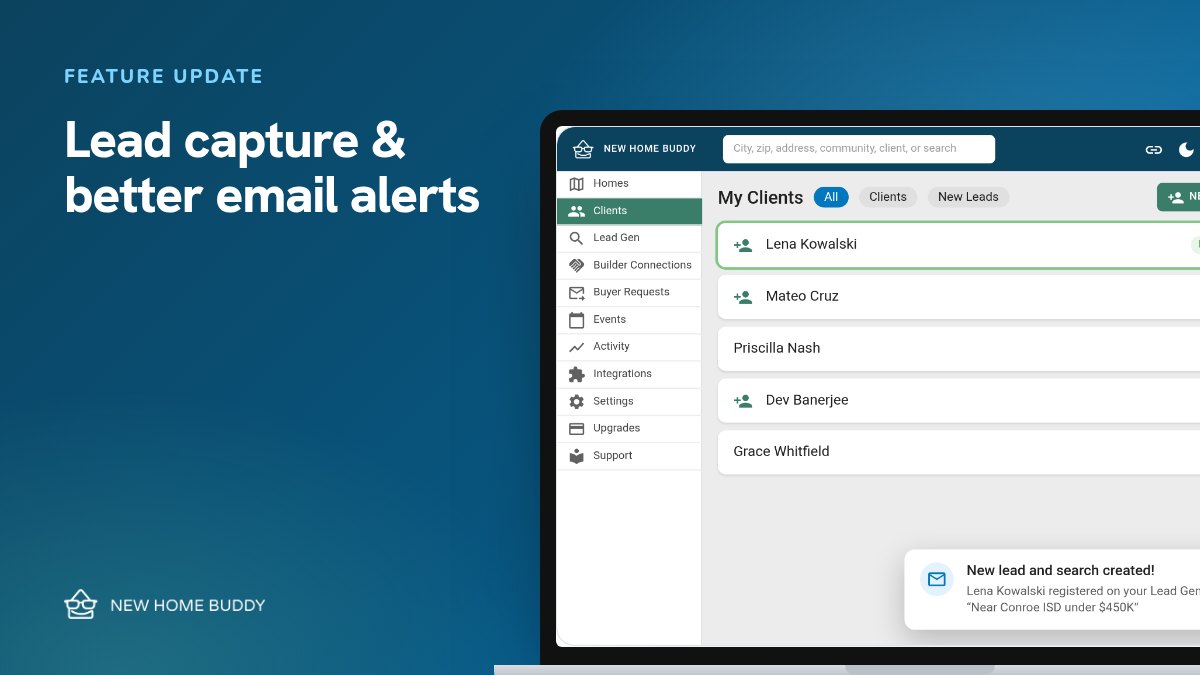
  15. Feature updateFeature updateDavid Weekley Homes, lead capture, and better email alertsDavid Weekley Homes is live, Davidson and Scott Felder move to data feeds, and everyone who signs up on your links becomes a lead.
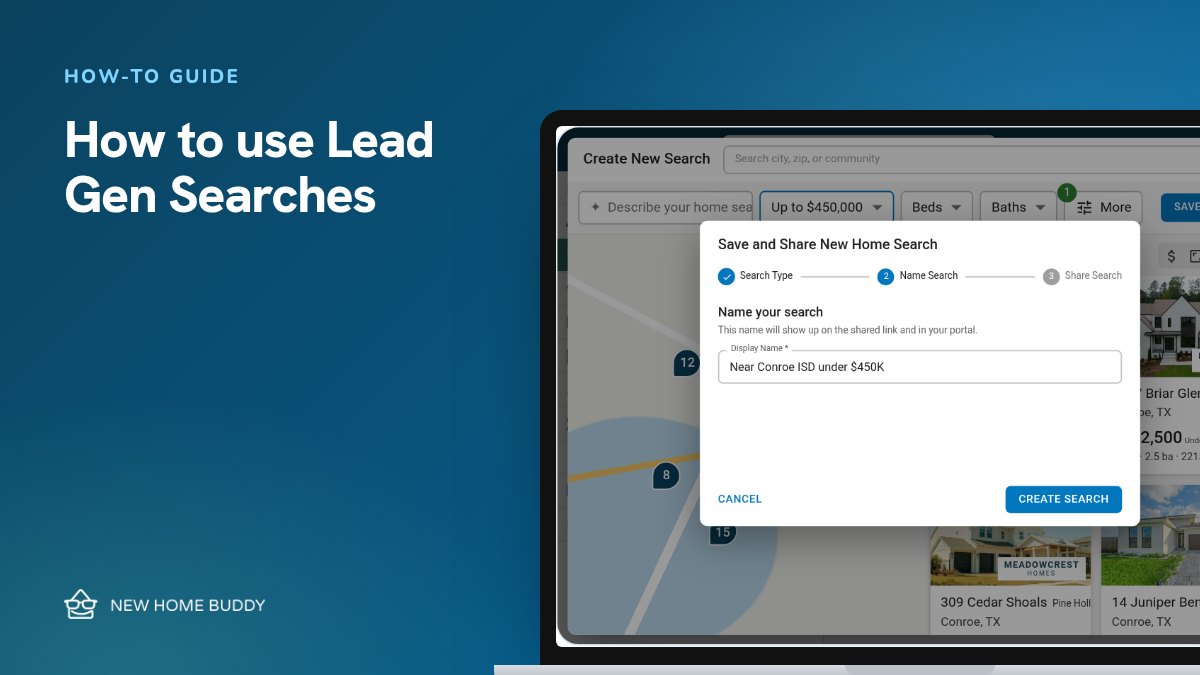
  16. How-to guideHow-to guideHow to use Lead Gen SearchesShare a set of new homes that fits a niche, and turn the people who sign up into leads.
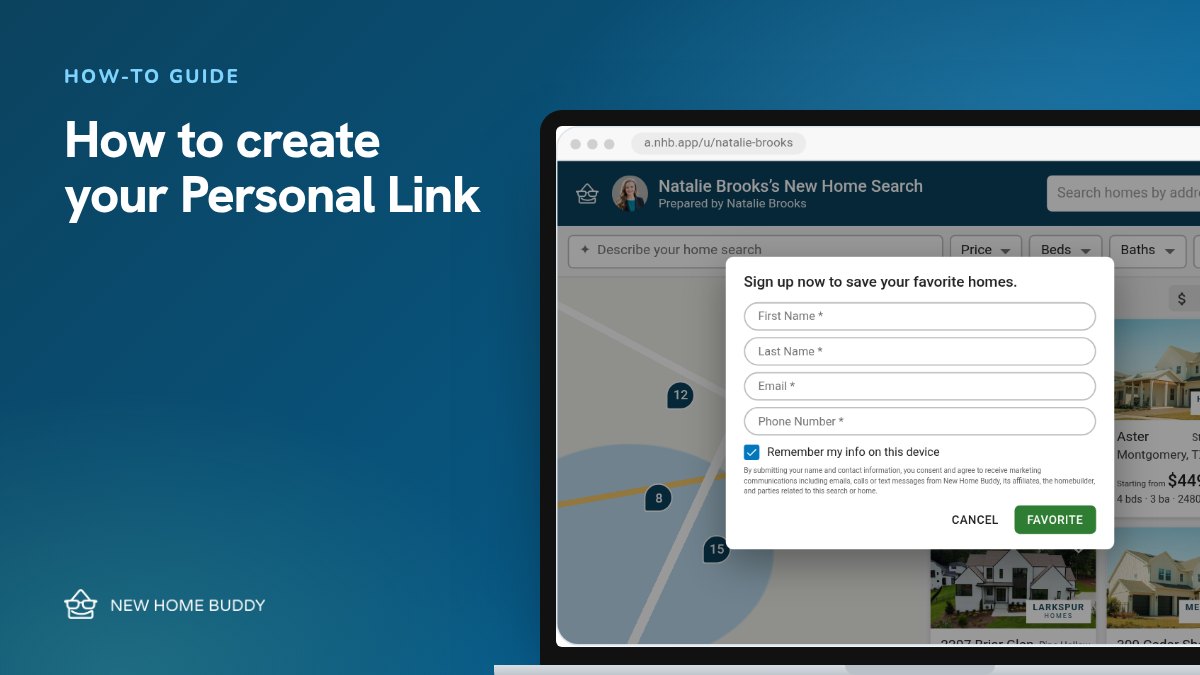
  17. How-to guideHow-to guideHow to create your Personal LinkOne free link to new construction homes, with only your name and contact info on them.
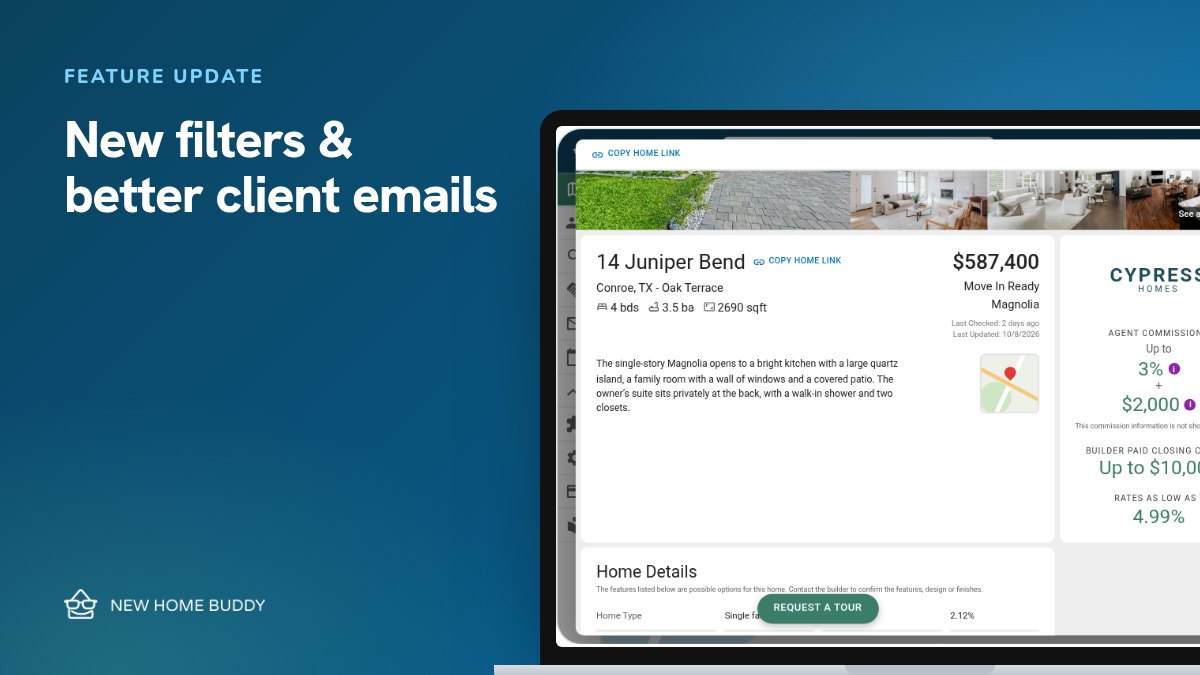
  18. Feature updateFeature updateCentury Communities, new filters, and better client emailsCentury Communities is live, plus Builder Paid Closing Costs and Interest Rate filters, and emails that show which homes your clients look at.

Get started

See what’s new in your portal.

Free for agents, and free for reps whose builder is listed.

Builder rep? Open the Builder Portal