Feature update
The map and lead features you’ve been waiting for
Faster map work, cleaner shared searches and quicker alerts when a buyer likes a home.
Agents and builder reps
Clear Filters
One click on Clear Filters removes every filter and any shapes you drew on the map.
It shows up as soon as you add a filter, right next to your home count.


86 HOMESClear Filters
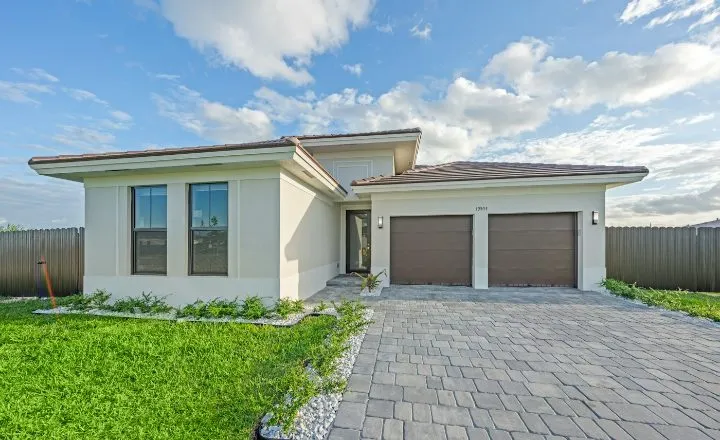 CYPRESSHOMES14 Juniper BendOak TerraceConroe, TX$587,400 Move In Ready4 bds · 3.5 ba · 2690 sqft
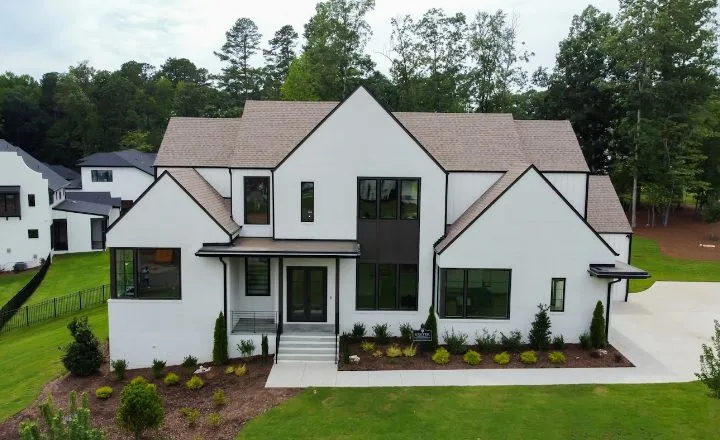 LARKSPURHOMES2207 Briar GlenPine HollowConroe, TX$412,500 Under Construction4 bds · 2.5 ba · 2215 sqft
1,284 HOMES
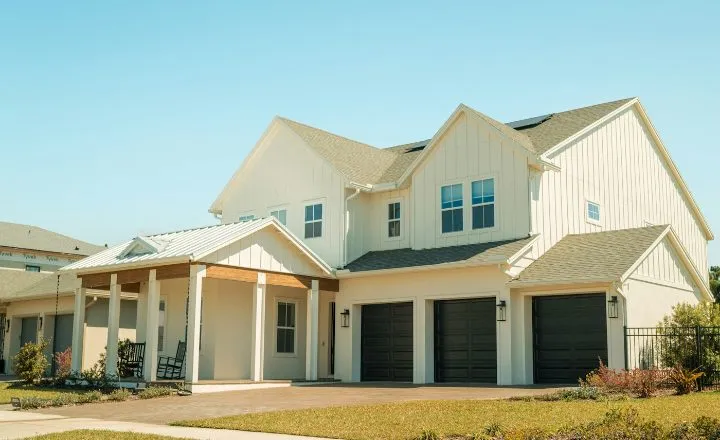 HARBOR OAKHOMESAsterStillwater RanchMontgomery, TXStarting from $449,9904 bds · 3 ba · 2480 sqftCYPRESSHOMES14 Juniper BendOak TerraceConroe, TX$587,400 Move In Ready4 bds · 3.5 ba · 2690 sqft
Agents and builder reps
A clearer Draw tool
Click Draw and sketch the area you want. Apply stays off until you’ve drawn a shape.
Drew a shape but forgot to apply it? Save Search turns orange and reminds you.
Search This Area got a new look, so it’s easier to spot.
1,284 HOMES
212 HOMESClear Filters
CYPRESSHOMES14 Juniper BendOak TerraceConroe, TX$587,400 Move In Ready4 bds · 3.5 ba · 2690 sqftLARKSPURHOMES2207 Briar GlenPine HollowConroe, TX$412,500 Under Construction4 bds · 2.5 ba · 2215 sqftAgents and builder reps
New leads keep your search
When someone signs up from a Lead Gen Search, we make a Client Search for them. It now keeps the same filters and drawn area.
Say you draw around one community, set the price to $500K+ and share it. A new lead’s Client Search starts with that same area and price.
Agents and builder reps
Favorite alerts
Agents and builder reps now get an email when a buyer favorites a home.
Connected reps hear about it too, when your buyer favorites one of their homes. They see your contact info and the home, never your buyer’s.
Today, favorites and home views come in one Recent Activity email, sent every 30 minutes when there’s something new. See the September 2026 update.
Agents and builder reps
More detail in Connections
Searching for a rep in Builder Connections now shows their builder and division.
Once you connect, the rep sees the market(s) on your profile.
Reps: the Builder Portal now explains how to grow connections. Send your Personal Link to agents and ask them to click Connect. Only agents can start a connection.
 Lauren Pierce7EmailCallLarkspur Homes - ConroeVIEW HOMES
Connect with a Builder Rep
Connect with the builder reps you like working with. They’ll be looped in when your clients show interest—but your contact info stays front and center, and your client’s info stays protected.
Ha
 Harrison Voss18Cypress Landing Homes - Houston
Builder reps
Cross-Sell filter starts on your homes
Show Cross Sell Only? now starts on Show My Homes Only: the homes you’re allowed to sell, same as your Personal Link shows.
Want the whole division? Switch it to Show All Homes.
Agents and builder reps
See All Images, and Coventry in San Antonio
Every listing now has a See All Images button with the photo count, so nobody misses a room.
And Coventry is now live in San Antonio.
Get started
See what’s new in your portal.
Free for agents, and free for reps whose builder is listed.
Builder rep? Open the Builder Portal