What Home Activity is
Open a home in the Sales Portal and its window has three tabs: Details · Activity · Leads. Details is the home information everyone sees. Activity and Leads are Pro.
The rankings show which homes are heating up. Home Activity shows why.


DashboardDivisionHouston – Cypress Landing HomesLast 7 DaysLast 30 DaysLast 60 DaysLast 90 Days
MY DIVISIONNHB MARKET DATANHB PREDICTIVE TRENDS
Price Bracket$350,000 - $550,000
Your Most Likely To Sell Homes
Homes with the highest engagement — act on these first
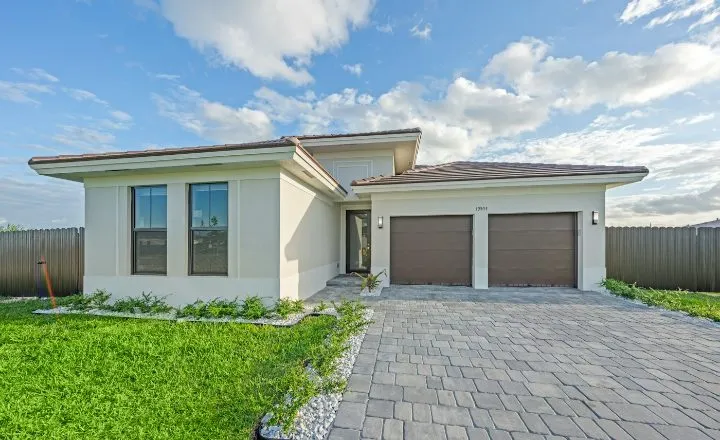 14 Juniper Bend
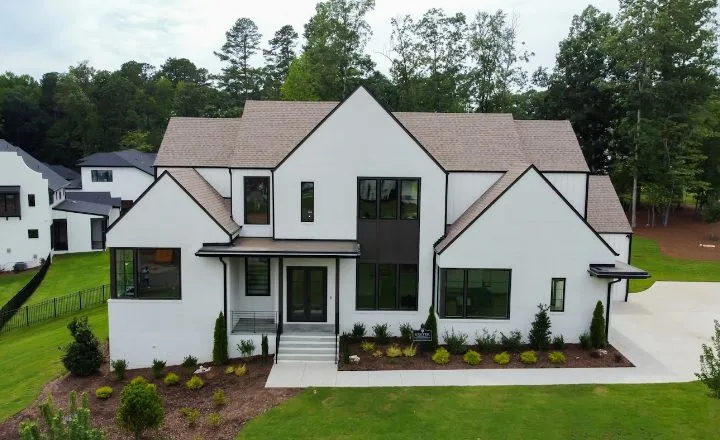 2207 Briar Glen
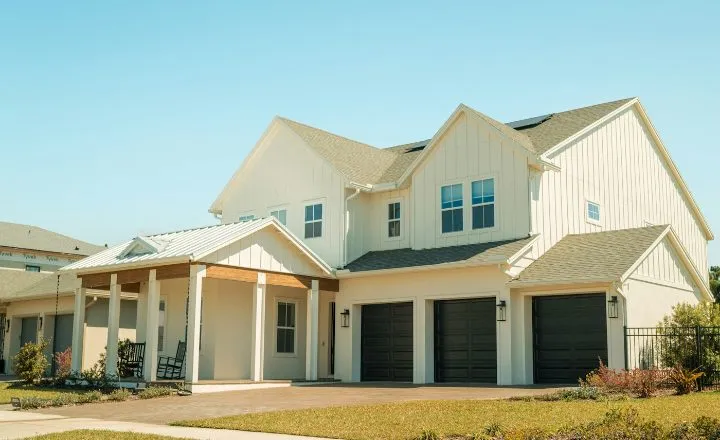 18 Juniper Bend
- 731 Saddle Oak Dr
- 2215 Briar Glen
- 745 Saddle Oak Dr
Agents Most Likely To Sell A Home With You
Agents with the most buyer activity on your homes
 Natalie Brooks natalie@example.com
 Marcus Reed
  Claire Holt
  Maria Delgado
  Ethan Cole




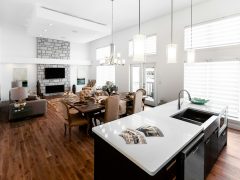 See all 24 images
DETAILSACTIVITYLEADS
ActivityViews, favorites, and form submissions for this home
Saturday, Oct 10
Natalie Brooks2 events natalie@example.com(555) 010-2290
Natalie Brooks favorited this home on a search6:51 PM
Natalie Brooks viewed this home on Agent Portal6:48 PM
Claire Holt’s buyer2 events Marcus Reed via Harrison Voss1 event Anonymous User via Ethan Cole4 events Two ways in
- NHB Predictive Trends → Your Most Likely To Sell Homes: click any ranked home. This is the main path, and every home there is active inventory.
- Homes tab: click any home in your division, including plans. It’s a good way to check on homes that may be struggling: see who has looked, and who hasn’t come back.
DashboardDivisionHouston – Cypress Landing HomesLast 7 DaysLast 30 DaysLast 60 DaysLast 90 Days
MY DIVISIONNHB MARKET DATANHB PREDICTIVE TRENDS
Price Bracket$350,000 - $550,000
Your Most Likely To Sell Homes
Homes with the highest engagement — act on these first
- 14 Juniper Bend
- 2207 Briar Glen
- 18 Juniper Bend
- 731 Saddle Oak Dr
- 2215 Briar Glen
- 745 Saddle Oak Dr
Agents Most Likely To Sell A Home With You
Agents with the most buyer activity on your homes
- Natalie Brooks natalie@example.com
- Marcus Reed
- Claire Holt
- Maria Delgado
- Ethan Cole
See all 24 imagesDETAILSACTIVITYLEADS
ActivityViews, favorites, and form submissions for this home
Saturday, Oct 10
Natalie Brooks2 events natalie@example.com(555) 010-2290
Natalie Brooks favorited this home on a search6:51 PM
Natalie Brooks viewed this home on Agent Portal6:48 PM
Claire Holt’s buyer2 events Marcus Reed via Harrison Voss1 event Anonymous User via Ethan Cole4 events The Activity tab
Every view, favorite and tour request on the home, all time, grouped by day and then by person. Click a row to see the agent’s contact info and each event.
- Viewed
- Favorited
- Scheduled a tour
DashboardDivisionHouston – Cypress Landing HomesLast 7 DaysLast 30 DaysLast 60 DaysLast 90 Days
MY DIVISIONNHB MARKET DATANHB PREDICTIVE TRENDS
Price Bracket$350,000 - $550,000
Your Most Likely To Sell Homes
Homes with the highest engagement — act on these first
- 14 Juniper Bend
- 2207 Briar Glen
- 18 Juniper Bend
- 731 Saddle Oak Dr
- 2215 Briar Glen
- 745 Saddle Oak Dr
Agents Most Likely To Sell A Home With You
Agents with the most buyer activity on your homes
- Natalie Brooks natalie@example.com
- Marcus Reed
- Claire Holt
- Maria Delgado
- Ethan Cole
See all 24 imagesDETAILSACTIVITYLEADS
ActivityViews, favorites, and form submissions for this home
Saturday, Oct 10
Natalie Brooks2 events natalie@example.com(555) 010-2290
Natalie Brooks favorited this home on a search6:51 PM
Natalie Brooks viewed this home on Agent Portal6:48 PM
Claire Holt’s buyer2 events Marcus Reed via Harrison Voss1 event Anonymous User via Ethan Cole4 events Who you’ll see
| Natalie Brooks | The agent, looking at the home themselves |
|---|---|
| Natalie Brooks’s buyer | One of that agent’s buyers (never named) |
An agent with two interested buyers shows up twice, so you see how many buyers are in play.
Buyer privacy, built in
Buyers are never named, anywhere on these tabs. When you expand a buyer’s row, the email and phone shown are the agent’s. You see which agents, and how many of their buyers, are engaging, so you always work through the agent.
DashboardDivisionHouston – Cypress Landing HomesLast 7 DaysLast 30 DaysLast 60 DaysLast 90 Days
MY DIVISIONNHB MARKET DATANHB PREDICTIVE TRENDS
Price Bracket$350,000 - $550,000
Your Most Likely To Sell Homes
Homes with the highest engagement — act on these first
- 14 Juniper Bend
- 2207 Briar Glen
- 18 Juniper Bend
- 731 Saddle Oak Dr
- 2215 Briar Glen
- 745 Saddle Oak Dr
Agents Most Likely To Sell A Home With You
Agents with the most buyer activity on your homes
- Natalie Brooks natalie@example.com
- Marcus Reed
- Claire Holt
- Maria Delgado
- Ethan Cole
See all 24 imagesDETAILSACTIVITYLEADS
ActivityViews, favorites, and form submissions for this home
Saturday, Oct 10
Natalie Brooks2 events natalie@example.com(555) 010-2290
Natalie Brooks favorited this home on a search6:51 PM
Natalie Brooks viewed this home on Agent Portal6:48 PM
Claire Holt’s buyer2 events Marcus Reed via Harrison Voss1 event Anonymous User via Ethan Cole4 events The Leads tab
“Lead emails generated for this home.” The same feed as the Leads panel, filtered to this home: the agent, who received the lead, the date and what triggered it. Read-receipt pills appear on the division Leads panel only.
DashboardDivisionHouston – Cypress Landing HomesLast 7 DaysLast 30 DaysLast 60 DaysLast 90 Days
MY DIVISIONNHB MARKET DATANHB PREDICTIVE TRENDS
Price Bracket$350,000 - $550,000
Your Most Likely To Sell Homes
Homes with the highest engagement — act on these first
- 14 Juniper Bend
- 2207 Briar Glen
- 18 Juniper Bend
- 731 Saddle Oak Dr
- 2215 Briar Glen
- 745 Saddle Oak Dr
Agents Most Likely To Sell A Home With You
Agents with the most buyer activity on your homes
- Natalie Brooks natalie@example.com
- Marcus Reed
- Claire Holt
- Maria Delgado
- Ethan Cole
See all 24 imagesDETAILSACTIVITYLEADS
LeadsLead emails generated for this home
- Claire Holt 10/10 - Has a client that requested a tour or more info about a home
- Natalie Brooks 10/9 - Clicked contact info
- Marcus Reed 10/6 - Requested a tour or more info about a home
- Maria Delgado 10/2 - Clicked contact info
Access
All three Sales Portal roles on Pro divisions. Free divisions see the home’s Details as usual, without the Activity and Leads tabs. It’s Sales Portal only: the Builder Portal doesn’t have these tabs.
Tips
- WeeklyOpen your top three homes
See which agents are behind each one and hand them to the right reps.
- WeeklyLook for tour requests
A blue clock on a climbing home is the warmest call you’ll have all week.
- Pro tipCount buyers, not just agents
An agent with two buyer rows has two clients interested. That agent is worth an event invite.