The three tabs
Each tab answers one question. The easy way to remember them: me, the past and the future.
- My Division (all about me): your traffic, your leads, your reps, and how your homes compare with the market.
- NHB Market Data (the past): what actually went pending or sold, so you can set smarter prices and incentives.
- NHB Predictive Trends (the future): AI-powered, real-time buyer and agent signals showing what’s most likely to sell next.
All three tabs live on the same Dashboard page.


DashboardDivisionHouston – Cypress Landing HomesLast 7 DaysLast 30 DaysLast 60 DaysLast 90 Days
MY DIVISIONNHB MARKET DATANHB PREDICTIVE TRENDS
How My Division Compares (per home)
Price Bracket$350,000 - $550,000Your homes vs the market average in this price bracket
Leads
Every lead your division received this period
 Marcus Reed 10/11 - Sent a buyer needs requestOpened
 Natalie Brooks 10/10 - Requested a tour or more info about a homeOpened
 Claire Holt 10/9 - Clicked contact infoClicked
Builder Rep Performance
Activity generated by each rep’s shared links and Connections
 Harrison Voss 314692
 Omar Haddad 29451
 Grace Lin 16231
Min Price$400,000Max Price$500,000
Based on sold homes across NHB · vs prior period
Market Pending Home Snapshot (averages)
What the average home going under contract looks like right now — and what is being advertised
Based on 214 pending & sold homes in this market and price bracket
Average incentive package on pending homes — only on New Home Buddy
Where Buyers Purchased
Ranked by homes that went pending or sold in this bracket
31Zip Code17City12School System58Community
- 177304
- 277356
- 377384
- 477385
- 577316
- 677303
- 1Oak Terrace
- 2Stillwater Ranch
- 3Pine Hollow
- 4Magnolia Bend
- 5Cedar Crossing
- 6Lakeside Meadows
Price Bracket$350,000 - $550,000
Your Most Likely To Sell Homes
Homes with the highest engagement — act on these first
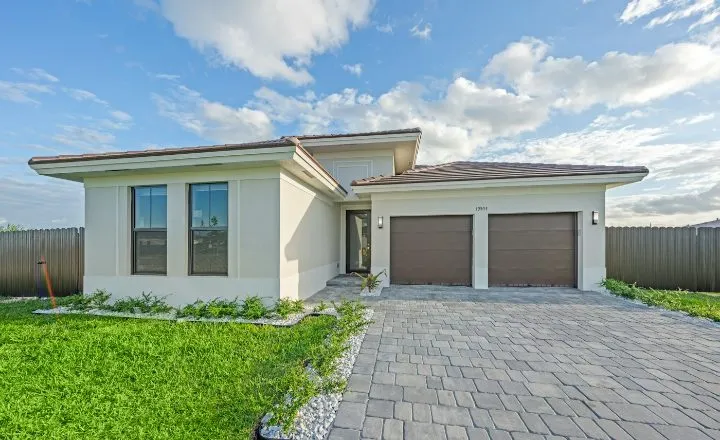 14 Juniper Bend
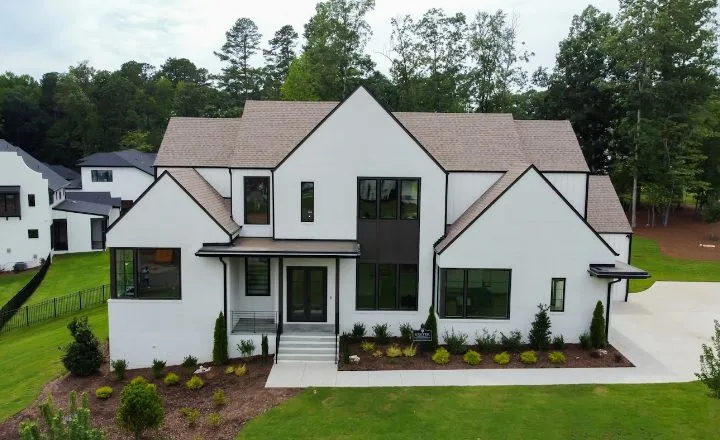 2207 Briar Glen
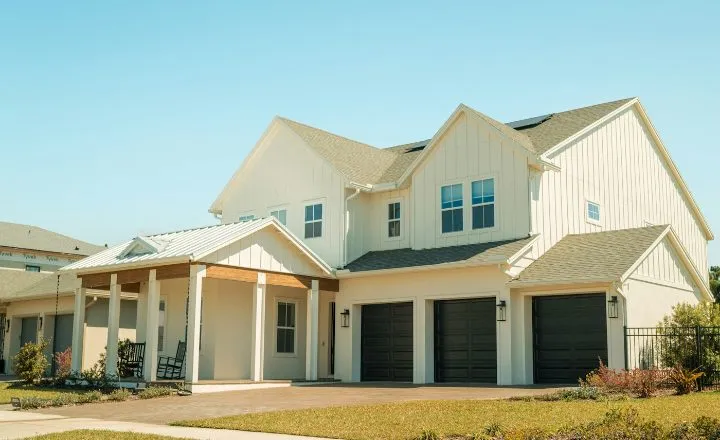 18 Juniper Bend
- 731 Saddle Oak Dr
- 2215 Briar Glen
Agents Most Likely To Sell A Home With You
Agents with the most buyer activity on your homes
- Natalie Brooks natalie@example.com
- Marcus Reed
- Claire Holt
 Maria Delgado
  Ethan Cole
Where Buyers Are Looking
The top areas in your market with live buyer demand
Zip CodeCitySchool SystemCommunity
1Conroe
2Montgomery
3Magnolia
4Willis
1Conroe ISD
2Montgomery ISD
3Magnolia ISD
4Willis ISD
Division and time period
Two controls at the top apply to everything on the Dashboard:
- Division selector: if you manage more than one division, switch at the top of the Dashboard. Each division has its own data.
- Time period: Last 7, 30 (default), 60 or 90 Days. Each number shows the change from the previous period.
DashboardDivisionHouston – Cypress Landing HomesLast 7 DaysLast 30 DaysLast 60 DaysLast 90 Days
MY DIVISIONNHB MARKET DATANHB PREDICTIVE TRENDS
How My Division Compares (per home)
Price Bracket$350,000 - $550,000Your homes vs the market average in this price bracket
Tab 1: My Division
Your daily driver. Top to bottom:
- Traffic Charts (free): home impressions, home clicks and leads, with a day-by-day chart. Traffic Charts guide
- How My Division Compares (Pro): your homes vs the market average in a price bracket, rated above average, average or below average. How My Division Compares guide
- Leads (free): every lead your division received, including leads that went to reps through Connections, with read receipts. Leads guide
- Builder Rep Performance (free): every rep ranked by NHB Momentum™. Builder Rep Performance guide
DashboardDivisionHouston – Cypress Landing HomesLast 7 DaysLast 30 DaysLast 60 DaysLast 90 Days
MY DIVISIONNHB MARKET DATANHB PREDICTIVE TRENDS
How My Division Compares (per home)
Price Bracket$350,000 - $550,000$350,000 - $550,000$550,000 - $900,000Your homes vs the market average in this price bracket
Tab 2: NHB Market Data (Pro)
Everything here is based on homes that went pending or sold on New Home Buddy. The tab has its own Min Price / Max Price selectors in $50K steps, so you can isolate the exact range you compete in.
- Market Pending Home Snapshot: what the average home going under contract looks like, plus the average incentive package behind it. Snapshot guide
- Where Buyers Purchased: the zip codes, cities, school systems and communities ranked by homes that went pending or sold. Where Buyers Purchased guide
DashboardDivisionHouston – Cypress Landing HomesLast 7 DaysLast 30 DaysLast 60 DaysLast 90 Days
MY DIVISIONNHB MARKET DATANHB PREDICTIVE TRENDS
Min Price$300,000Max Price$600,000
Based on sold homes across NHB · vs prior period
Market Pending Home Snapshot (averages)
What the average home going under contract looks like right now — and what is being advertised
Based on 412 pending & sold homes in this market and price bracketBased on 318 pending & sold homes in this market and price bracketBased on 214 pending & sold homes in this market and price bracket
Average incentive package on pending homes — only on New Home Buddy
Tab 3: NHB Predictive Trends (Pro)
The forward-looking tab: live agent and buyer signals, ranked by NHB Momentum™, with a shared Price Bracket selector.
- Your Most Likely To Sell Homes: your active inventory with the most engagement. Guide
- Agents Most Likely To Sell A Home With You: agents with the most buyer activity on your homes. Guide
- Where Buyers Are Looking: the areas with live buyer demand. Guide
Click any home on the tab to open Home Activity: who is driving its ranking. Home Activity guide
Two “Where Buyers…” dashboards, two questions. Where Buyers Are Looking ranks live engagement (the future). Where Buyers Purchased ranks pending and sold outcomes (the past).
DashboardDivisionHouston – Cypress Landing HomesLast 7 DaysLast 30 DaysLast 60 DaysLast 90 Days
MY DIVISIONNHB MARKET DATANHB PREDICTIVE TRENDS
Price Bracket$350,000 - $550,000
Your Most Likely To Sell Homes
Homes with the highest engagement — act on these first
- 14 Juniper Bend
- 2207 Briar Glen
- 18 Juniper Bend
- 731 Saddle Oak Dr
- 2215 Briar Glen
- 745 Saddle Oak Dr
Agents Most Likely To Sell A Home With You
Agents with the most buyer activity on your homes
- Natalie Brooks natalie@example.com
- Marcus Reed
- Claire Holt
- Maria Delgado
- Ethan Cole
Tips
- DailyCheck Leads
A 30-second scan, including the read-receipt pills, makes sure nothing slips past a rep.
- WeeklyReview My Division
Switch to Last 7 Days. Which reps are rising? How do your homes compare this week?
- WeeklySet this week’s priorities
Most Likely To Sell Homes tells you which homes to act on. Most Likely To Sell Agents tells your reps who to call.
- MonthlyBring Market Data to pricing meetings
Two minutes on the Market Pending Home Snapshot shows where price, commission, BTSA and closing costs stand on homes going under contract.
- Pro tipRead the tabs in order
Where you stand, what got homes under contract, then what to act on next. One complete decision loop.